Open source · 2026
Connecting Captions

Install
Unzip Connecting-Captions.zip and drag Connecting Captions to Applications. No Xcode.
Or install Connecting Captions with Homebrew. Trust the tap when asked.
brew tap chrisswimlee/connectingcaptions
brew trust chrisswimlee/connectingcaptions
brew install --cask connectingcaptions - Download the latest zip and drag Connecting Captions to Applications.
- A notarized zip should open without an extra prompt.
- Open Theater, allow the microphone, and press Listen.
What it is
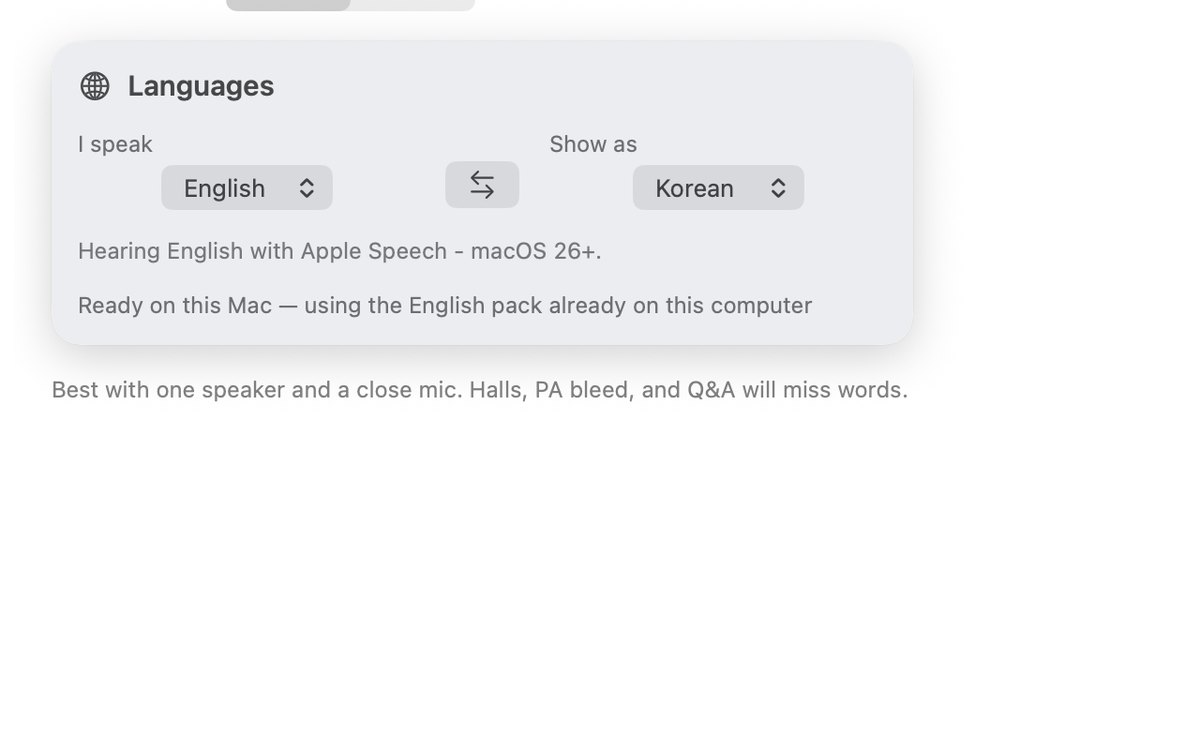
- Set I speak and Show as. Translate follows one into the other. The same language needs no download.
- Open Theater and press Listen. A new Listen starts with an empty board. A sentence appears when it is ready.
- A whole-screen share includes Theater. Share the slides window when viewers should not see the captions.
- Translation uses Apple’s on-device Translation. Voice stays on the Mac unless a cloud model is turned on.
What you need
- macOS 15 or later. Theater streaming needs Apple Silicon.
- Microphone for Listen. Accessibility only if a translation is typed into another app.
- A language pack downloads once when I speak and Show as differ.
For work
The free zip is for people. Firms that need a named license, a security contact, or an SLA should buy a commercial license.
- How does this monetize? A named license, and support if you want it. Transcripts, voiceprints, and training data are not part of the sale.
- Does voice leave this Mac? It stays on the Mac unless someone turns on a cloud speech model. Theater doesn’t send anything home.
- Who fixes a break? Security reports get a reply within 7 days. A paid license can add a written SLA.